Charge early, keep one tested kit, and spend the battery on messages first
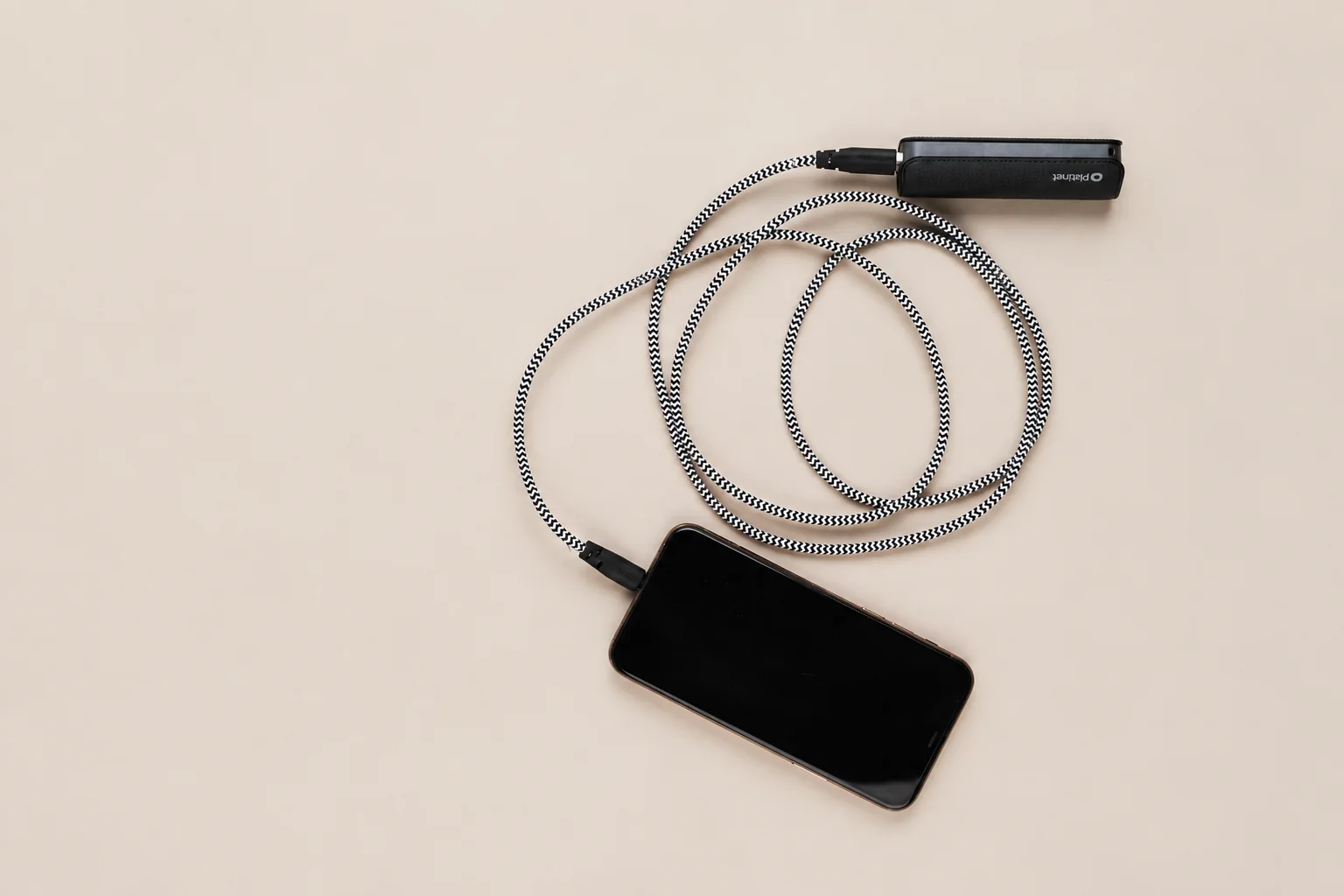
Before the storm: charge every phone and power bank, confirm emergency alerts are switched on, and put the bank, cables and a written contact list in one pouch.
During the outage: switch on Low Power Mode or Battery Saver, text instead of calling when it is not an emergency, and recharge from the bank before the phone drops very low.
Never: run a car or generator in a garage to charge a phone. Fuel-burning engines produce carbon monoxide.
A phone is often the main way a household gets alerts, reaches family and checks outage updates during a blackout. This guide plans the phone side of that: how much stored power to keep, how to make it last, and which recharge options are safe. It draws on guidance from the FCC, FEMA, Ready.gov, the CDC and the phone makers. PhoneGearDaily has not tested the products or methods described here.
Before the storm: a 24-hour checklist
The FCC and FEMA suggest keeping extra batteries, a solar charger or a car charger on hand (FCC/FEMA emergency tips). Ready.gov advises planning for batteries and other power sources, such as a portable charger or power bank, for when the power goes out (Ready.gov power outages). Use the day before a forecast storm for these steps:
- Charge every phone and every power bank to full, then unplug the banks so they are ready to carry.
- Check that Wireless Emergency Alerts are on. The FCC says you do not need to sign up for them (FCC WEA guide), but some alert types can be switched off in settings. On iPhone, look under Settings > Notifications; on Android, search Settings for “emergency alerts”.
- Write the essential numbers on paper: family contacts, your utility's outage line and anyone who depends on you. A dead phone takes its contact list with it.
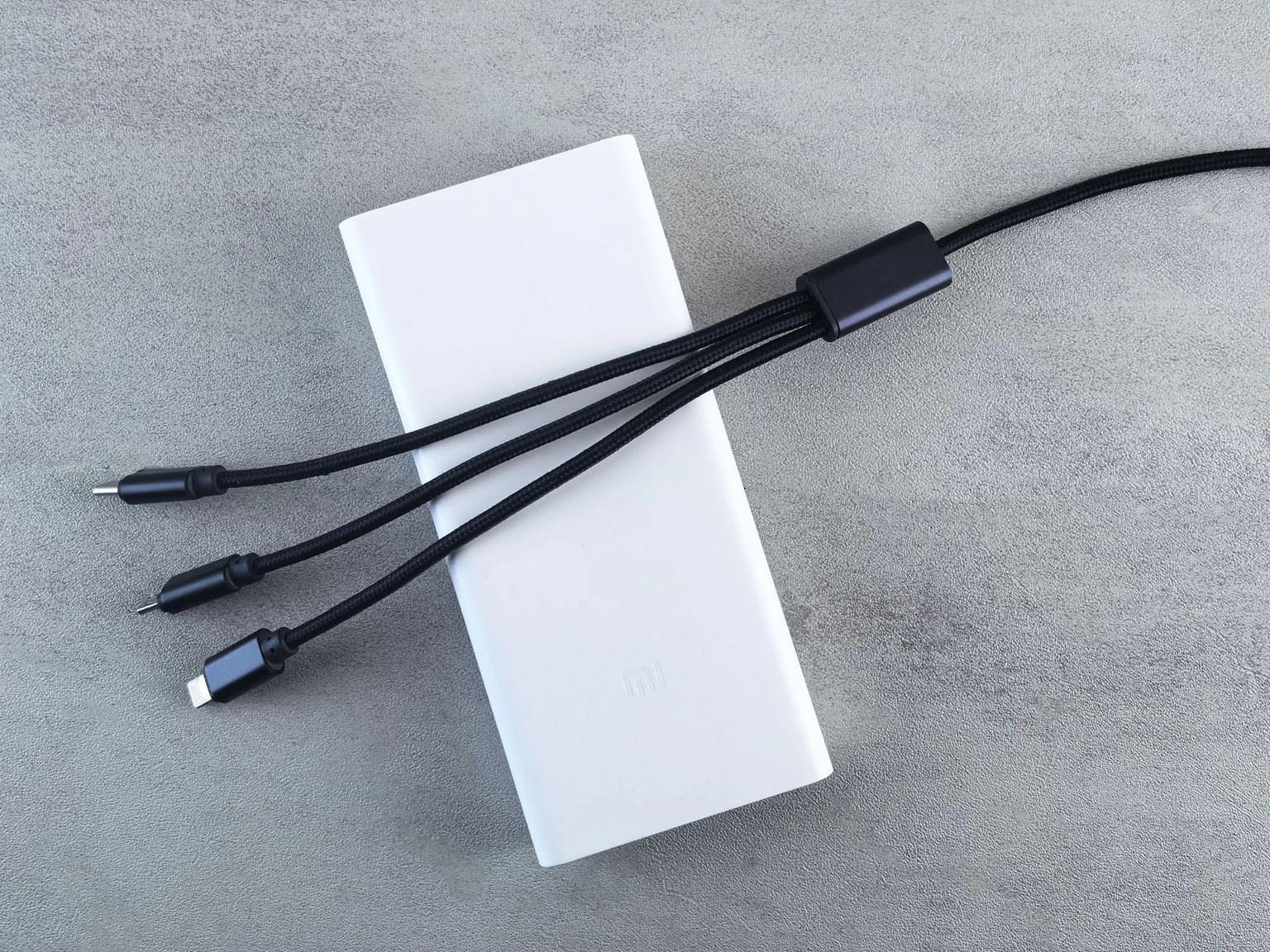
- Put each phone's correct cable in the kit, along with the cable that recharges the bank.
- Decide which phone gets power first, and write that order on the kit so anyone in the household can follow it.
Size the reserve with simple battery math
Power bank labels use milliamp-hours (mAh), which only make sense alongside the voltage. Convert to watt-hours (Wh) to compare banks fairly: Wh = mAh × V ÷ 1,000. A bank labeled 10,000 mAh at 3.6 V stores 36 Wh in its cells; one labeled 20,000 mAh at 3.6 V stores 72 Wh. Many banks print the Wh figure directly, which saves the arithmetic.
The energy that reaches your phone is lower than the cell figure, because converting voltage and charging a battery both lose some energy as heat. That is why a capacity label should not be turned into a promised number of full recharges. Plan with margin instead, using the worksheet below.
| Question | Why it matters | What to write down |
|---|---|---|
| Which phones must stay reachable? | Each one needs its own share of the stored power and the right cable. | Phone models and owners, in charging order |
| How long might the outage last? | One overnight top-up is a different job from several days without power. | The number of days you want to cover |
| Must phones charge at the same time? | A bank's total output is shared when several ports are in use. | Ports needed at once, and the bank's shared-output label |
| How will the bank be recharged? | A bank with no recharge path is a one-time reserve. | Wall outlet when power returns, or a safe outdoor option |
| What else needs power? | Medical or other equipment has its own requirements that a phone bank may not meet. | Device and the manufacturer's power requirement |
Make each percent last longer
The FCC suggests checking your phone or its manual for ways to conserve battery, such as dimming the screen and disabling some apps (FCC/FEMA emergency tips). Both major phone platforms also have a built-in saving mode.
- iPhone: Apple's Low Power Mode reduces background activity, turns off Background App Refresh and sets Auto-Lock to 30 seconds. Apple notes that it turns off when the phone charges to 80% or higher, so switch it back on after recharging (Apple Low Power Mode).
- Android: Battery Saver limits apps and features to save power. On Pixel phones it turns off while the phone charges, and the stronger Extreme Battery Saver can pause apps, which then will not send notifications (Google Pixel Battery Saver help). Menu names vary by manufacturer.
- Text first: for anything that is not an emergency, the FCC suggests texting instead of calling, and keeping calls short also saves battery. Call 911 only for emergencies.
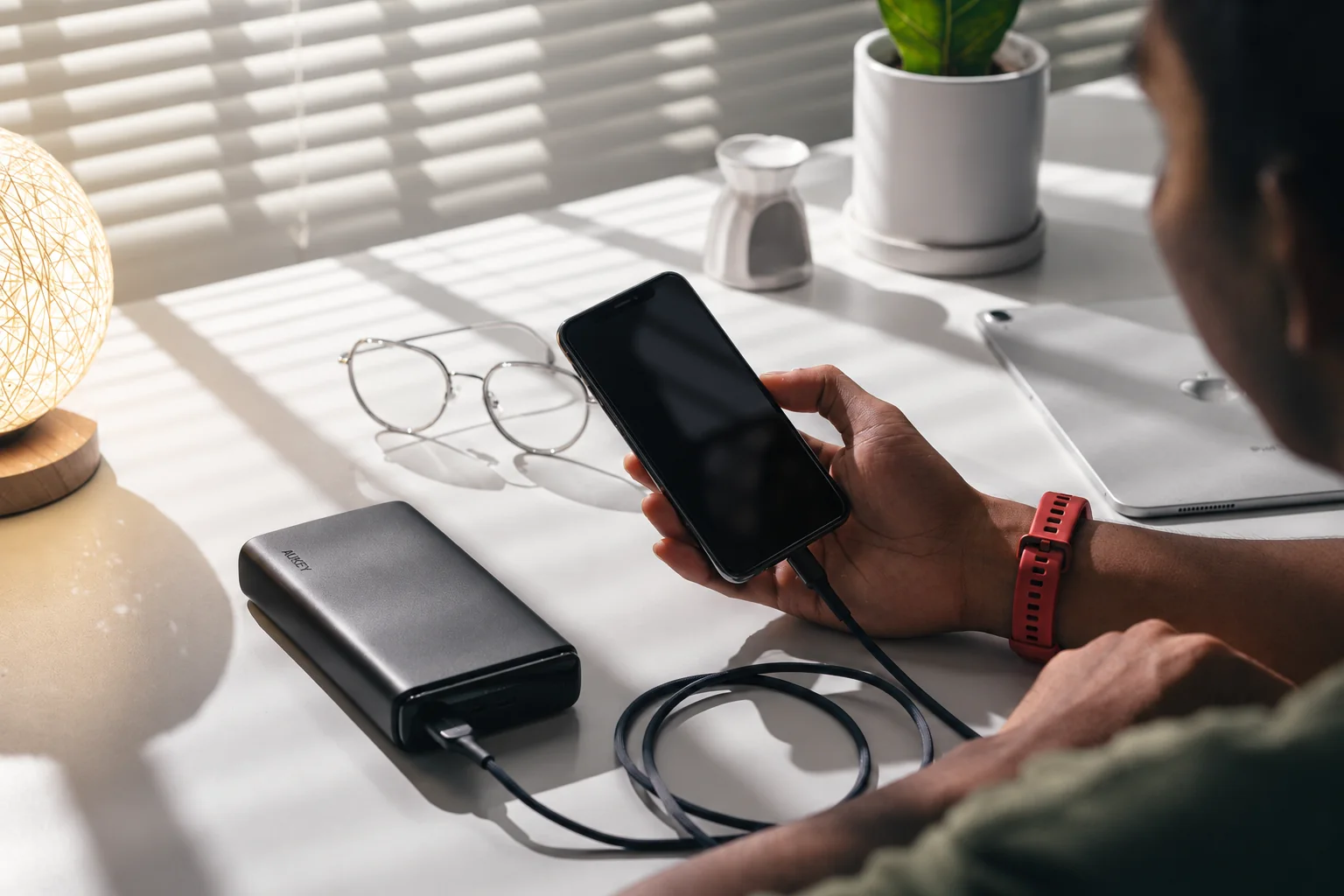
- Recharge early: top up from the bank in a calm moment rather than waiting until the phone is about to shut down.
Choose a recharge path that does not create a new hazard
| Option | Best use | Safety check |
|---|---|---|
| Power bank | The main reserve for phones | Stop using it if the case is swollen, cracked or unusually hot. |
| Car charger | Topping up when the car is parked outdoors | Never run the engine in a garage or carport. The CDC warns that fuel-burning engines produce deadly carbon monoxide. |
| Laptop USB port | A short top-up | It drains the laptop, which may matter just as much. |
| Portable generator | Longer outages, if you already own one | The CDC says to keep it outside, at least 20 feet from doors, windows and vents. |
| Solar or hand-crank charger | A slow supplement | Output depends on sun or effort. Try it before you rely on it. |
The CDC's carbon monoxide guidance applies to generators, grills and other gasoline, propane or charcoal devices: never use them inside a home, garage or carport (CDC carbon monoxide guidance). A battery-powered carbon monoxide alarm is worth checking at the same time as the phone kit.
Keep the kit in one known place
Use a recognizable pouch stored somewhere dry that meets the battery maker's temperature guidance. Ready.gov suggests keeping kit items in airtight bags inside something easy to carry (Ready.gov build a kit). Keep the bank's output label visible, and add a note naming each connector so another household member can use the kit without searching for instructions.
Rehearse once, then maintain it
Connect each phone to the bank and confirm it charges. If two phones must charge together, try that too. Learn how the bank shows its remaining charge, then recharge it and put the complete kit back.
Set a reminder based on the manufacturer's storage advice. At each check, recharge the bank, inspect the case and cables, and record the date. Replace anything damaged. The Los Angeles Fire Department advises inspecting batteries regularly for swelling, odor, leaks, discoloration or unusual noises (LAFD lithium-ion battery safety); retire a bank that shows any of them.
When the phone is not enough
A charged phone does not guarantee a working network. Home phone service can also stop: the FCC notes that phone service delivered over broadband, such as VoIP, will not work during an outage without a battery or other backup power. If your service has a backup battery, the FCC suggests testing it periodically, learning how long it should last and how to replace it, and considering a spare you can charge before a storm (FCC/FEMA emergency tips). Treat the phone kit as one part of a household plan that includes a meeting point and a written contact list.
For travel-sized banks and airline capacity rules, see our guide to power banks for flights. For carrying power through an ordinary day, see choosing a pocket power bank.
Research-based guide using FCC, FEMA, Ready.gov, CDC, Apple and Google guidance, checked on November 10, 2026. PhoneGearDaily has not tested the products or methods described. Read our sources, testing and image policy.