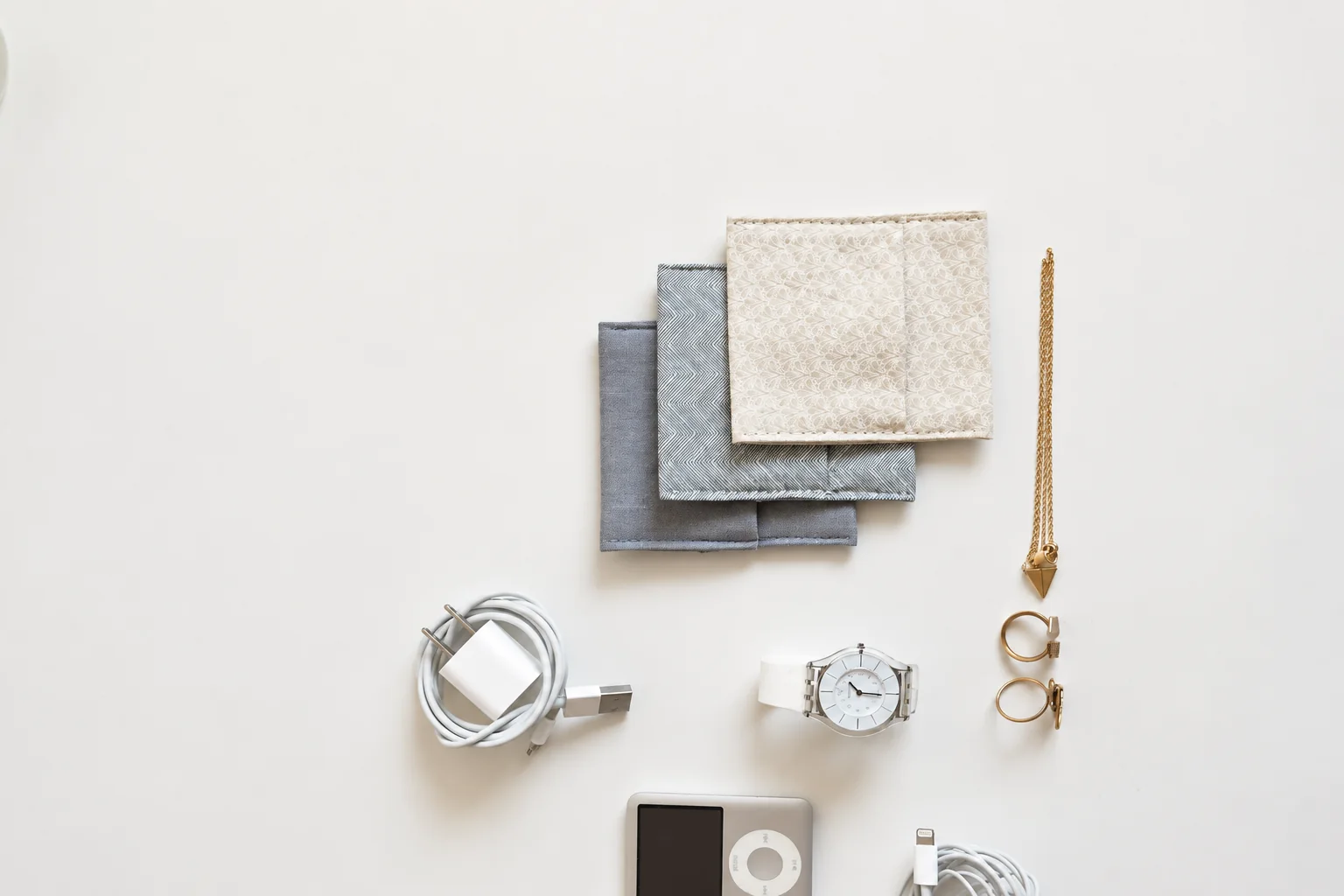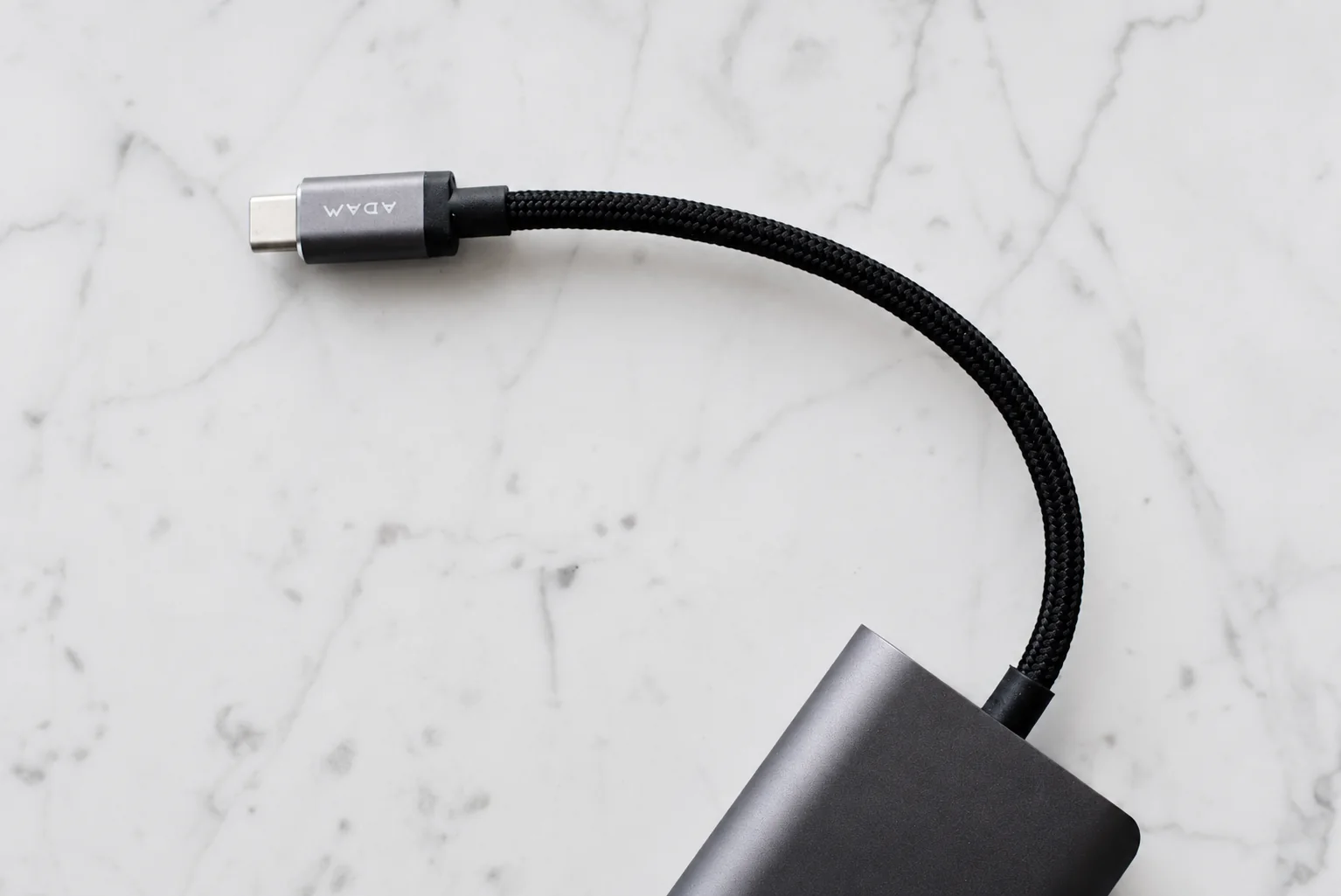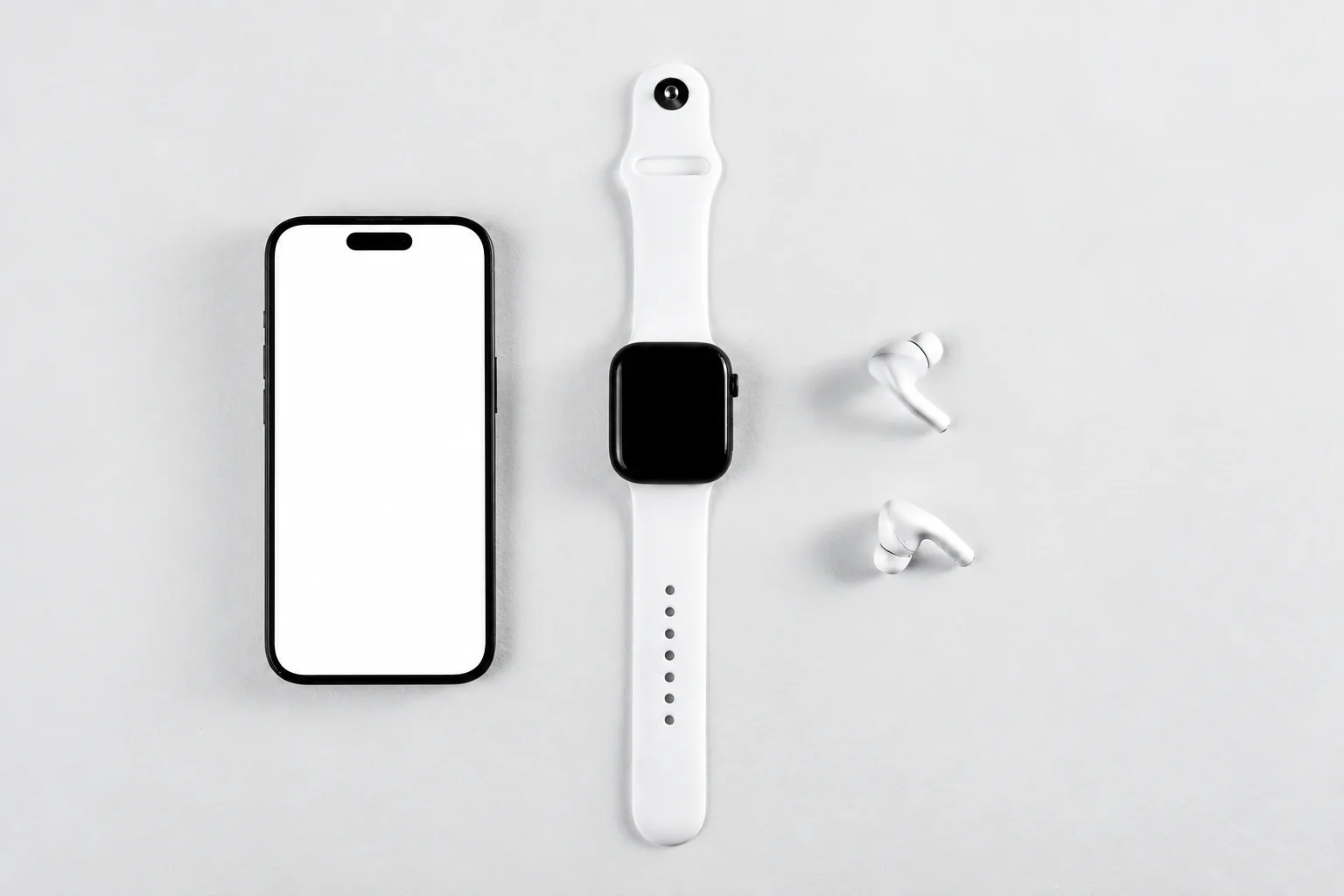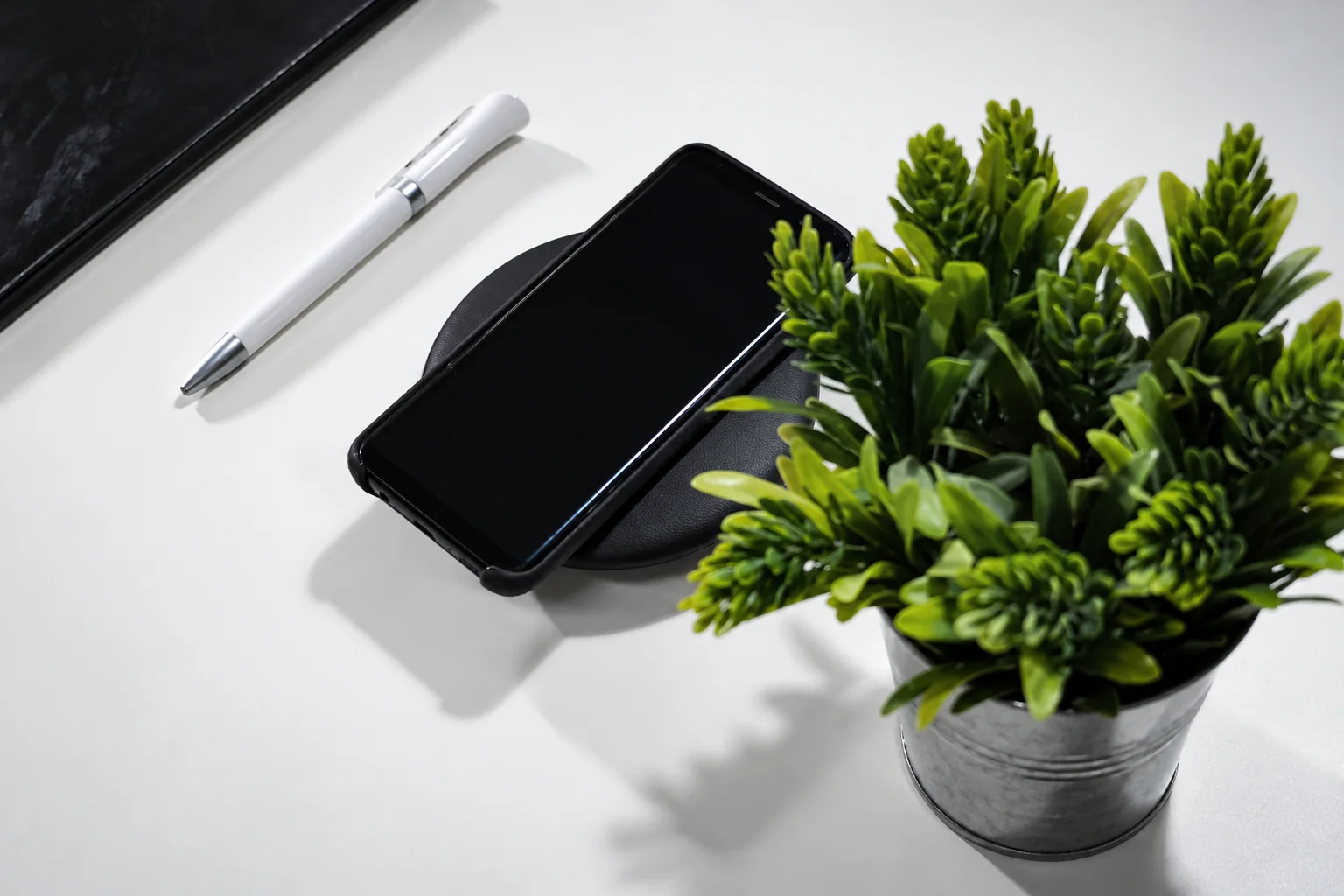
Check the rules, choose one safe charging spot, then buy
Before move-in: read the housing prohibited-items list for extension cords, power strips and surge protectors, and bring the chargers you already own.
In the room: charge on a hard surface you can reach from the bed, never under a pillow or blanket, and plug adapters straight into the wall.
Only then: add a longer cable, a stand or a shared charger to fix a problem you have actually found.
Dorm rooms combine tight space, shared outlets and a lot of electronics. The goal of this guide is a charging setup that follows residence rules, keeps phones within reach and avoids the habits fire-safety groups warn about. It draws on guidance from the NFPA, Apple and fire departments. PhoneGearDaily has not tested the products described here.
Read the housing rules before buying anything
Residence halls usually publish a list of prohibited items and rules for electrical equipment. Look specifically for extension cords, power strips, surge protectors, multi-plug adapters and charging stations, and check whether the rules require a particular type. Buying after reading the rules avoids a purchase you cannot use.
The National Fire Protection Association (NFPA) and the Center for Campus Fire Safety advise never overloading electrical outlets, extension cords or power strips, and keeping combustible items away from heat sources (NFPA campus fire safety tips). In NFPA data on dormitory-type housing, cooking equipment was involved in nearly 9 out of 10 fires. Charging is a smaller share of the risk, but it is the part a careful setup can control.
Choose one charging spot that works from bed
Start with where the phone sleeps. Most rooms leave two realistic options: the desk or a surface beside the bed.
- Desk: works when the bed is close. Check that the cable reaches without crossing a walkway or being pinched by furniture.
- Bedside surface: a shelf, nightstand or bedside caddy works better for a raised or lofted bed. Measure the cable route with the bed in its final position.
- Avoid: a cable stretched across the floor, a charger balanced on the mattress edge, or a phone pulled toward the edge of a surface.
Never charge under the pillow
Apple's safety guidance says not to sleep on a phone, power adapter or wireless charger, or to cover them with a blanket, pillow or your body while they are connected to power. Apple also advises keeping the phone, cable and adapter in a well-ventilated place while charging and plugging the adapter directly into a wall outlet (Apple iPhone safety information). In practice, the phone should charge on a hard, open surface rather than in the bed.
Check what is printed on each charger and cable
| Item | Check before buying | Check in the room |
|---|---|---|
| Wall charger | A safety certification mark, such as UL, and an output that suits your phone | It plugs straight into the wall and stays put |
| Cable | The right connector and enough length for your chosen spot | No fraying or damage at either end |
| Multiport charger | The shared output when every port is in use, not just the maximum | Every device you plan to charge together actually charges |
| Power strip or surge protector | Whether your housing rules allow it, and which type | Not overloaded with high-draw devices |
| Power bank | A clear capacity label and a known recharge cable | Charged on a hard surface, never left on the bed |
The Los Angeles Fire Department advises looking for UL certification when buying devices or batteries, and inspecting batteries regularly for swelling, odor, leaks, discoloration or unusual noises (LAFD lithium-ion battery safety). Apple lists further signs that a charger should be retired: a damaged plug or prongs, a frayed cable, exposure to moisture, or a cracked case after a drop.
Share outlets with a roommate
Agree where each device charges before the cables pile up. Label your cable and adapter with a small removable label so nobody unplugs the wrong one. If you share one multiport charger, check its simultaneous output first: the total on the box is usually split between ports, so two phones may each charge more slowly than either would alone. Separate chargers are often simpler than one large station.
Choose a stand for the desk you have
A folding stand can be put away during study, but it must hold the phone with its case fitted and leave room for the cable. Check the viewing angle from your actual chair. Skip a large station with slots for devices you do not own.
Keep campus carry separate from room charging
Leave the room's main charging route set up so coming home is simple. If your schedule leaves you away from outlets for long stretches, pack a separate cable or small bank for your bag rather than unplugging the room setup each morning. The desk-and-bag setup guide explains when a second adapter prevents daily repacking, and our pocket power bank guide covers sizing a bank for a long day.
Move-in day checklist
- Read the housing electrical and prohibited-items rules.
- Find the outlets with the furniture and bed in their final positions.
- Choose one charging spot you can reach from bed, on a hard surface.
- Plug chargers straight into the wall, and never overload outlets or power strips.
- Label your cables, and agree on shared outlets with your roommate.
- After a week, buy only what fixes a problem you actually found.
Research-based guide using NFPA, Apple and fire department guidance, checked on November 10, 2026. PhoneGearDaily has not tested the products described. Read our sources, testing and image policy.